
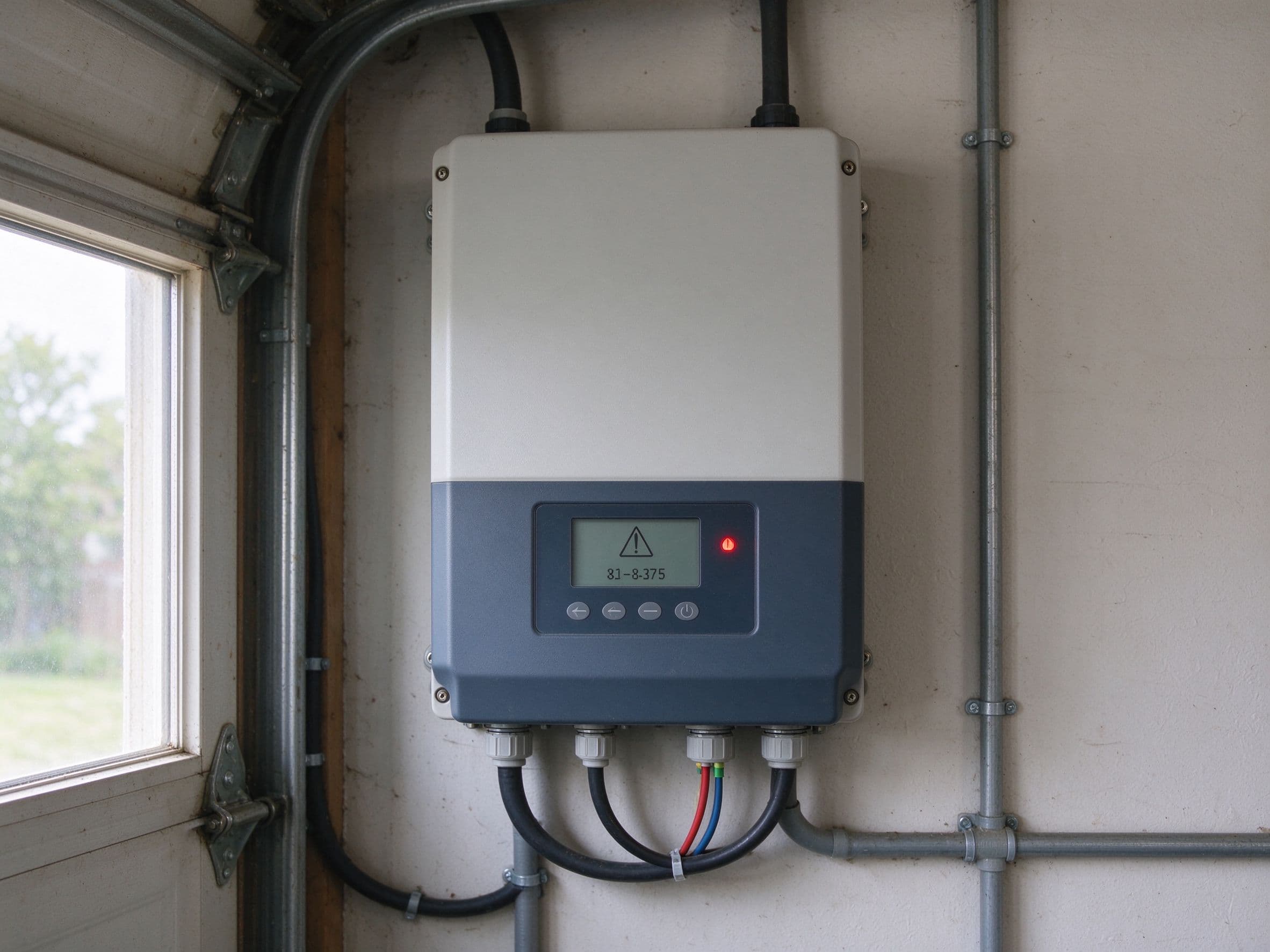
Solar inverter error codes indicate that the system has detected an abnormal operating condition. Common causes include grid voltage or frequency disturbances, DC wiring faults, overheating, insulation problems, communication failures, and internal component issues. The code is a warning, not a verdict, and it does not always mean the inverter itself is damaged. Understanding the symptoms, checking the manufacturer’s troubleshooting guide, and identifying when professional service is needed can prevent unnecessary repairs and prolonged downtime.
What Are the Most Common Causes of Solar Inverter Error Codes?
Each solar inverter error message maps to a specific circuit or protection function, and the common causes fall into six groups. This covers grid voltage and frequency events first, then wiring and connection faults, thermal problems, insulation and ground leakage, communication interruptions, and finally internal component failures. Matching the right group to the code prevents replacing parts that aren’t faulty.
Safety note: Do not open the inverter enclosure, disconnect PV connectors under load, or probe live AC/DC terminals unless you are qualified and authorized to perform the work. Stop using the system and contact a qualified solar technician if you notice a burning smell, visible damage, repeated arc-fault alarms, or an insulation or ground-fault warning. Follow the manufacturer’s shutdown procedure.
|
Fault category
|
Common signs
|
Possible causes
|
Recommended next step
|
|---|---|---|---|
|
Grid voltage/frequency
|
Grid fault, repeated disconnection
|
Utility disturbance, voltage rise, grid configuration
|
Record the code and time; contact the installer or utility if persistent
|
|
DC input or connection
|
PV voltage alarm, intermittent output
|
Shading, damaged wiring, poor connection, abnormal string voltage
|
Check monitoring data; have a technician inspect the DC circuit
|
|
Overtemperature
|
Temperature alarm, reduced output
|
High ambient temperature, blocked ventilation, cooling failure
|
Check external airflow and the manufacturer’s clearance requirements
|
|
Insulation/ground fault
|
Insulation resistance or ground fault alarm
|
Damaged cable insulation, moisture, defective equipment
|
Follow the shutdown instructions and arrange qualified testing
|
|
Communication failure
|
Missing monitoring data, offline status
|
Network outage, data cable issue, configuration mismatch
|
Check the network and monitoring connection before assuming generation failure
|
|
Internal hardware fault
|
Persistent hardware alarm, repeated shutdown
|
Fan, relay, sensor, or other internal component failure
|
Record the code and contact an authorized technician
|
Note: These symptoms are general diagnostic clues, not definitive fault-code definitions. Always consult the manual for the exact inverter model and firmware before taking action.
Grid Voltage and Frequency Problems
Grid-tie inverters continuously monitor the AC waveform. When grid voltage or frequency moves outside the limits set by the local interconnection standard, the inverter displays a grid fault code and stops exporting. When a PV system exports power, AC-line impedance can raise the voltage at the connection point, especially with long runs, undersized conductors, or concentrated local solar output. Grid frequency faults may result from utility-side disturbances or local power-system conditions. The inverter may reconnect automatically after the grid returns to an acceptable range, depending on its settings and applicable interconnection requirements. IEEE 1547 establishes interconnection and interoperability requirements for distributed energy resources, including responses to abnormal grid conditions. Actual protection settings depend on applicable requirements, equipment configuration, and local rules, so a qualified technician should verify persistent grid alarms before changing settings without authorization.
Loose Wiring and Electrical Connection Faults
A loose, damaged, or incompatible PV connector; a corroded terminal; or a damaged AC conductor can increase electrical resistance, cause localized heating, and lead to intermittent or abnormal operation. Depending on the inverter’s protection functions, the system may report a voltage, connection, or arc-fault alarm. The exact code and cause must be confirmed using the manufacturer’s documentation and qualified testing. Poor installation torque and cable movement are common starting points. These faults require a physical inspection and do not self-heal.
Overheating and Poor Ventilation
Inverter output falls as internal temperature rises. Blocked heat sinks, dust, direct sun, or missing clearance force the unit into thermal derating or shutdown. High ambient temperature and sustained peak output often appear together. An alarm that repeatedly appears during peak sunlight may indicate overheating, but it can also be associated with high PV output or grid-voltage conditions. Check the exact code, inverter temperature, operating data, and event history before identifying the cause.
Insulation Faults and Ground Leakage
The inverter checks insulation resistance between the DC array and ground before connecting. Damaged cable jackets, wet junction boxes, or a faulty module can trigger an insulation alarm. Moisture entering damaged connectors, junction boxes, or cable insulation can reduce insulation resistance and trigger intermittent alarms. Some systems report these faults more often under damp conditions, but the timing alone does not confirm the cause. A qualified technician should investigate insulation and ground-fault warnings because they may indicate an electrical safety hazard.
Communication Errors and Monitoring Interruptions
A lost data link between the inverter, meter, and monitoring platform produces communication alarms. Common causes include broken data cables, incorrect network settings, or protocol mismatches. A monitoring outage does not necessarily mean the inverter has stopped generating power. Verify the inverter’s local status and available generation data before concluding that the system has failed. Check the network and the monitoring connection before assuming hardware failure.
Internal Component Failures and Aging
Depending on the inverter design, internal faults may involve cooling fans, relays, capacitors, sensors, or control electronics. When one fails, the inverter reports a hardware-specific code after external causes are ruled out. Constant restarts, burnt smells, or codes that persist after grid and wiring checks suggest internal failure. Persistent hardware alarms should be evaluated according to the manufacturer’s troubleshooting procedure, even without visible damage or an unusual smell. Do not repeatedly restart an inverter to clear an unresolved fault. The UL 1741 standard covers safety requirements for inverters and related interconnection equipment; it is a technical background reference rather than a fault-code manual.
How Can You Prevent Solar Inverter Faults?
Most inverter alarm codes follow predictable conditions, and four maintenance habits address them directly. This covers wiring inspections first, then ventilation and operating conditions, active monitoring, and scheduled professional service. Each step maps to a cause group from the previous section.
Inspect Wiring and Electrical Connections Regularly
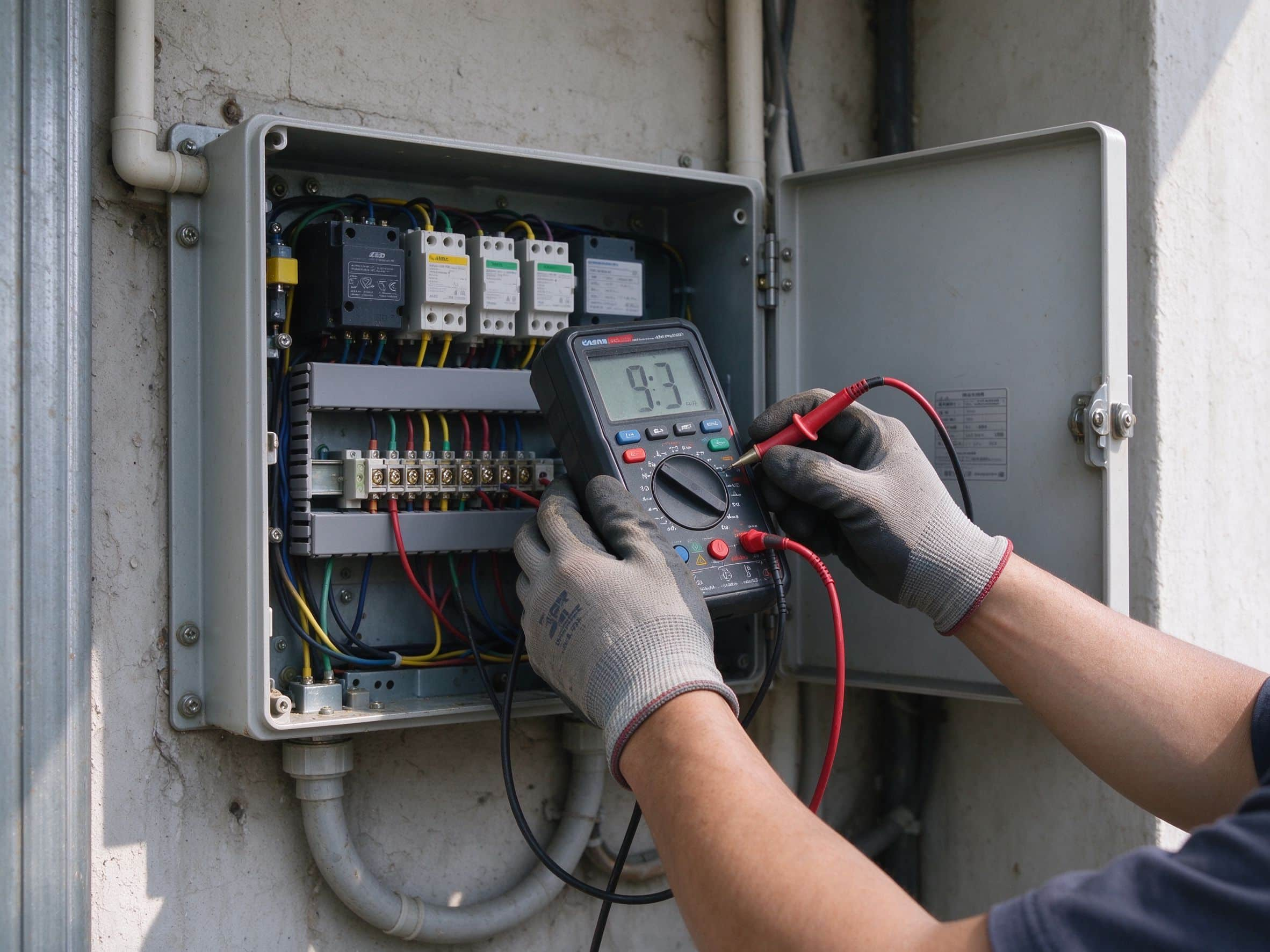
Have a qualified technician inspect wiring, terminals, and cable insulation according to the manufacturer’s requirements, local rules, and the system’s actual condition. Follow the equipment manual for terminal torque checks and re-tightening, rather than a fixed universal schedule. Look for corrosion, heat marks, and rodent damage. Record your findings so you can see changes over time.
Maintain Proper Ventilation and Operating Conditions
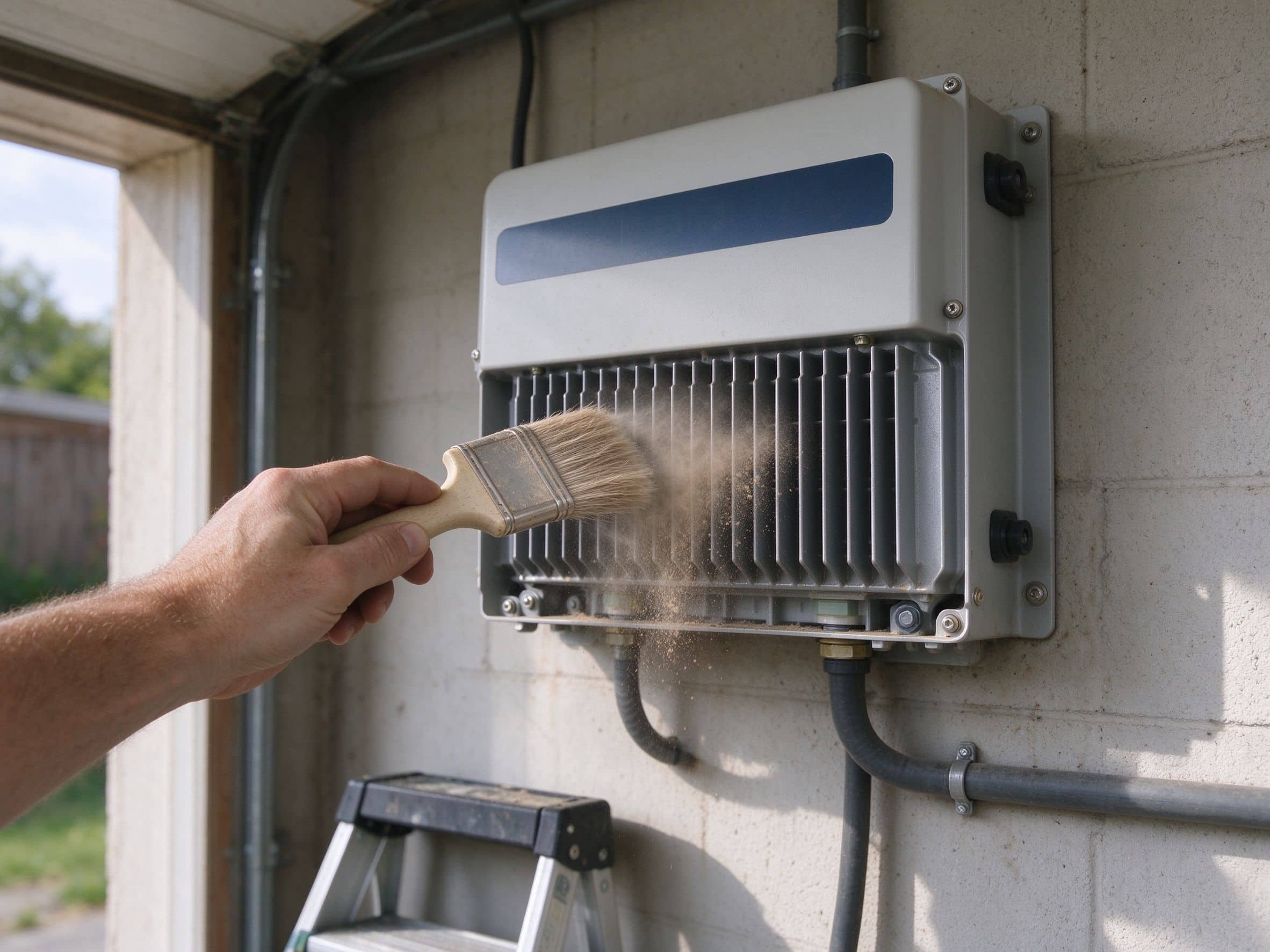
Keep the clearance stated in the manual around the unit. Mount it in the shade when possible, and avoid enclosing it in a sealed box. Remove dust only from the external surfaces the manufacturer says you can clean; internal heat-sink work belongs to a technician. Confirm ambient temperature stays within the rated range.
Monitor System Performance and Warning Messages
Review daily generation and log every code with the exact code, time, weather, inverter temperature if visible, generation level, and fault duration. Sudden output changes plus a recurring code identify the trigger faster than the code alone.
Schedule Professional Inspections and Maintenance
Follow the service intervals in the manual and any local requirements. A technician can run insulation tests, verify grid protection settings, and inspect components you cannot safely reach.
Frequently Asked Questions About Solar Inverter Error Codes
Readers facing an active alarm usually ask the same five questions. This section covers what to do first, whether codes clear on their own, whether the inverter is damaged, when resetting is safe, and when to call a technician.
1. What should I do when a solar inverter shows error codes?
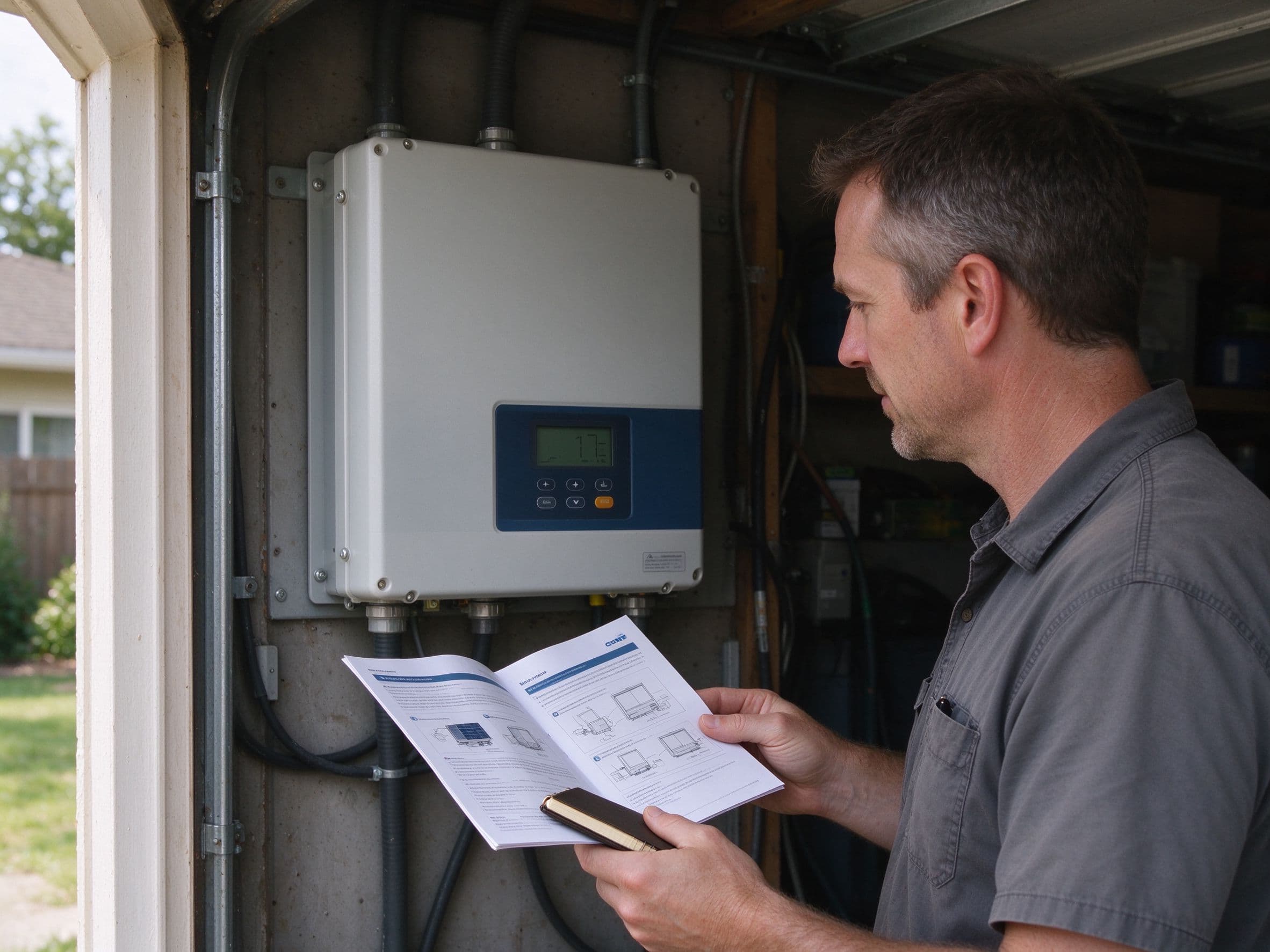
Record the full code, model, and firmware, then check the official manual for that exact model. Confirm whether the unit is still generating power from its local display. Do not open the enclosure or probe live terminals yourself. If the code matches a safety-related fault, stop using the system and call a qualified technician.
2. Can a solar inverter error code disappear on its own?
Some protection alarms clear themselves or allow reconnection after the triggering condition returns to normal, depending on the fault type and device settings. A code that disappears does not prove the underlying problem is resolved. A code that returns repeatedly needs diagnosis.
3. Do inverter alarm codes always mean the inverter is damaged?
No. Many codes come from the grid, array wiring, environment, or communication network. The inverter reports the fault, but that doesn’t always mean the component has failed.
4. Can I reset a solar inverter after a fault?
Reset only when the manual permits it and the triggering condition has been corrected. Insulation, ground-fault, arc-fault, and internal hardware alarms should not be handled through repeated resets. Repeated resets mask the underlying problem and can worsen hardware damage.
5. When should I contact a qualified solar technician?
Call for persistent grid alarms, insulation or ground-fault warnings, repeated arc-fault codes, visible damage, abnormal shutdowns, or a burning smell. Follow the safety shutdown procedure first. If the inverter needs replacement, confirm compatibility with the existing PV array, electrical system, monitoring equipment, and interconnection requirements before selecting one. For verified compatibility, choose inverters and protective devices based on compatibility, not model name alone.
Keep Your Inverter Reliable Through Regular Maintenance
Solar inverter error codes can result from grid disturbances, connection faults, overheating, insulation problems, communication loss, or aging parts. Clearing the warning without finding the cause only delays the next shutdown. Follow the manufacturer’s troubleshooting order, record every alarm, and schedule qualified inspections. Consistent maintenance reduces avoidable faults and catches problems before they interrupt generation.